Estimated Time: 5 mins




Metron submetering is designed to make water billing more fair and more accurate. Instead of guessing or splitting costs evenly (even when usage isn’t even), your home’s water use is tracked based on what’s actually happening at your meter.
Notice: Metron Metering is only available at select communities.
Metron Availability
Submetering Benefits
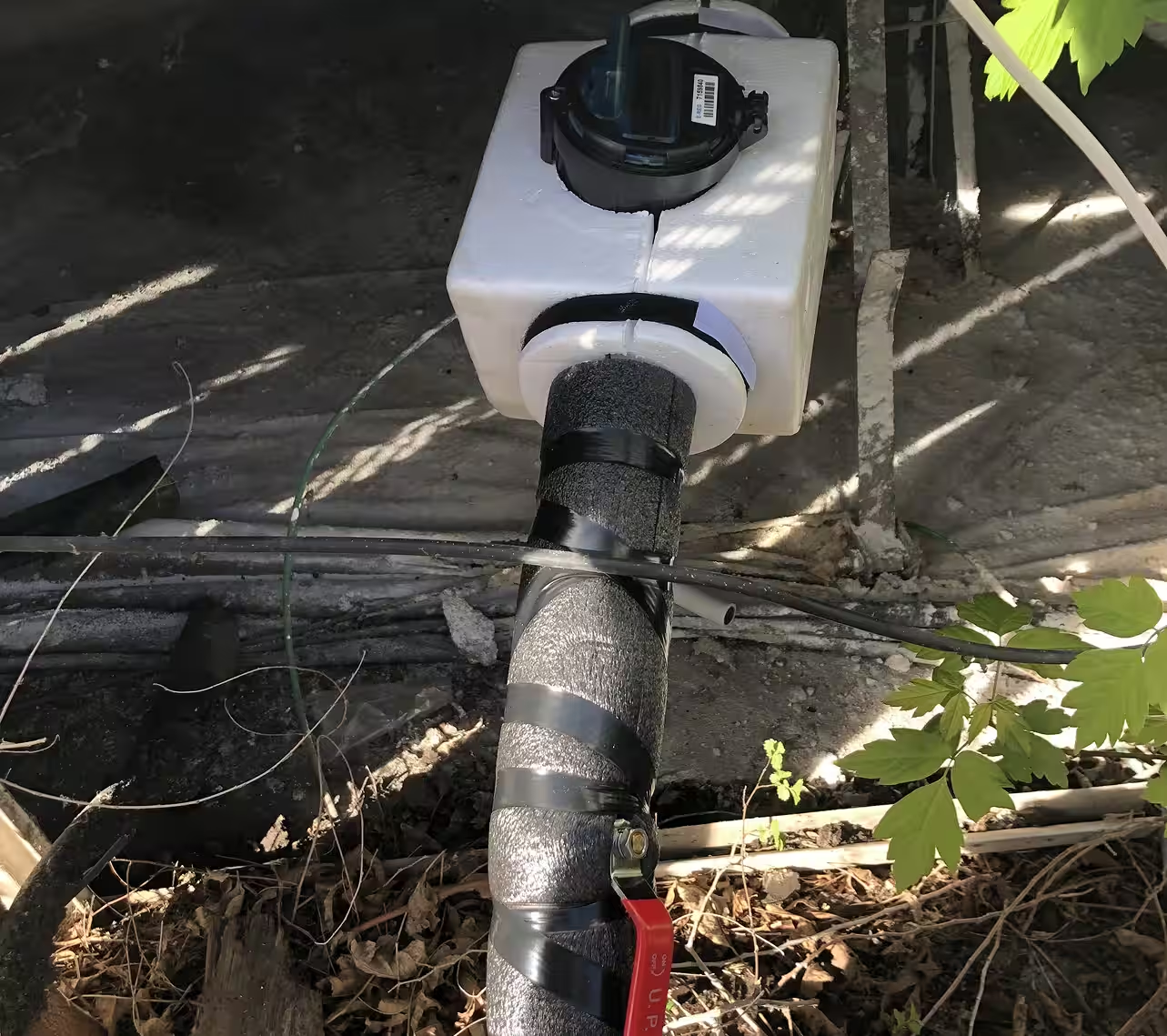

Your home has its own meter, and WaterScope records the water that flows through it. That’s called submetering.
Here’s the simple version:
If you use less water, you’re not stuck paying for someone else’s heavy usage. If you use more, the system reflects that too.
Create Your WaterScope Account (Sign Up)
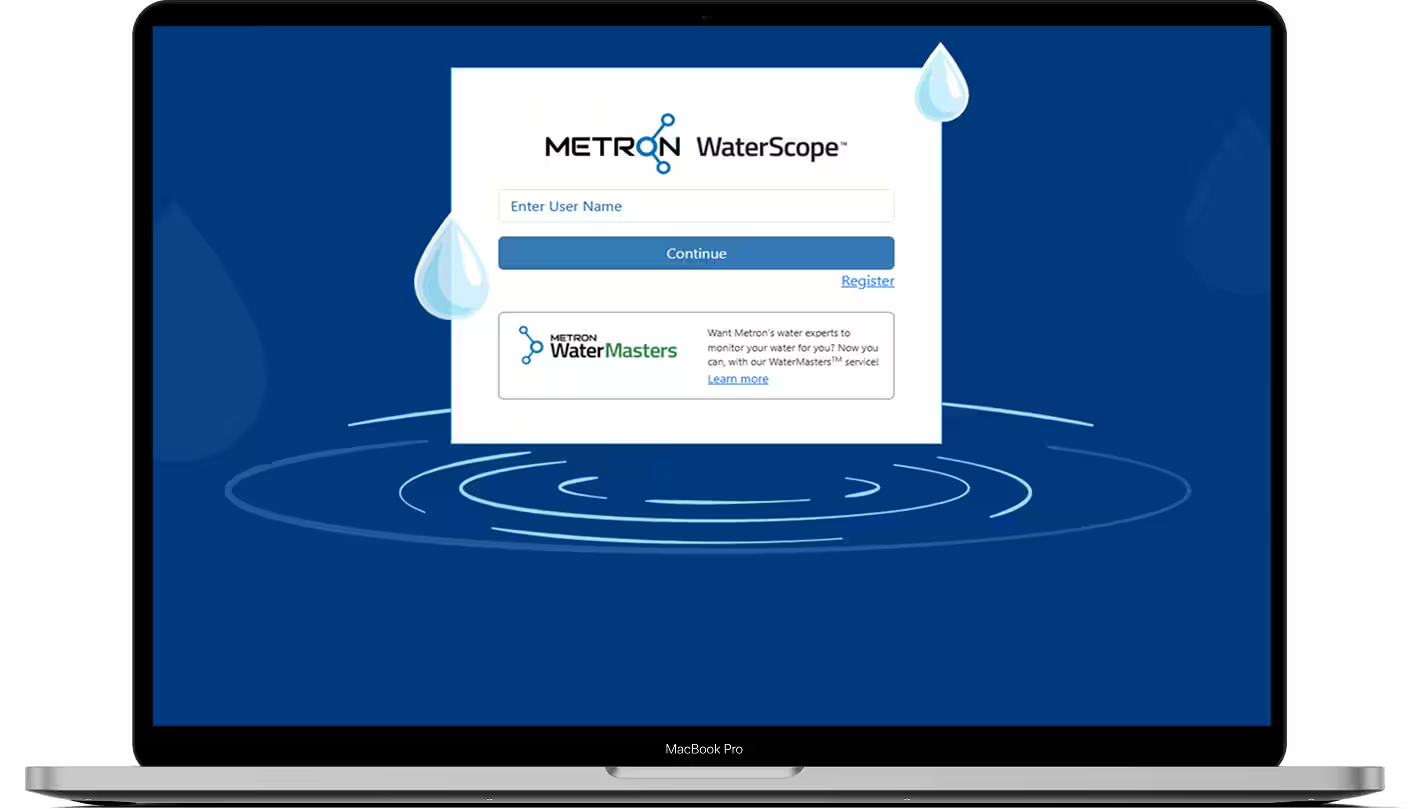
To access your meter information, you’ll create your own WaterScope account. It’s quick, and you only need a few details. Once you’re signed up, you’ll be able to log in and see your usage, check for leaks, and set alerts.
What you’ll need to sign up:

Create Your WaterScope Account
We’ll help you get it set up!
- Go to your dashboard
- Click Consumption History
- Click Time Interval and choose 1 Month
- Click Total Consumption to see your usage for the last month
Download these helpful guides anytime to learn WaterScope basics, understand meter alerts, and run quick leak checks before costs climb.